Site Extensions
Browser helpers, upload packs, scripts, templates, and little quality-of-life gadgets for SerraForge projects and other pet-site corners.
Chicken smoothie-
This extension for Chicken smoothie lets you auto add images and messages in a trade
🌌 General
active • v1
Install notes
Install on Firefox (quick)
Download + extract the ZIP
Go to: about:debugging#/runtime/this-firefox
Click Load Temporary Add-on…
Select the extracted folder’s manifest.json
✅ Then open a CS trade page — the 🧩 Picker (images/messages) button will appear above the chat box.
Note: temporary add-ons reset when Firefox restarts. If you want it permanent, tell me and I’ll walk you through the “unlisted signed” route.
_____
Brave quick install 🐾
Download cs-trade-chat-picker-v1.2.1.zip
👉 Download
Extract the zip to a folder
Open: brave://extensions/
Toggle Developer mode ON
Click Load unpacked
Select the extracted folder
Done. The 🧩 Picker (images/messages) button will show up above the trade chat box.
Chicken smoothie- Dont show certain folders in trades
lets you hide folders in trades
🌌 General
active • v1
Install notes
Firefox — Quick How-To (fastest method)
This is the “test it right now” method (temporary install):
Download cs-folder-filter-firefox-v101.zip
Do not unzip (Firefox can load it as-is)
Open Firefox and go to: about:debugging#/runtime/this-firefox
Click Load Temporary Add-on…
Select the ZIP file or select the manifest.json inside the unzipped folder
Open: trades/...
Use the Folder Filter box → add words → Save
⚠️ Note: Temporary add-ons disappear when Firefox restarts.
Want it “installed” permanently?
That requires signing (addons.mozilla.org or enterprise/dev signing). If you want, I can prep the exact same thing as a proper “packaged” Firefox add-on structure for signing—just say so.
------
Chrome / Brave / Edge — Quick How-To
Download cs-folder-filter-chrome-v101.zip
Unzip it to a folder (important: Chrome won’t load zipped)
Open: chrome://extensions
Turn on Developer mode (top right)
Click Load unpacked
Select the unzipped folder
Go to any trade page: trades/...
Use the Folder Filter box (bottom-right) → put words like nft, neft, trades → Save
Updating later: just replace the folder files + hit Reload on the extension page.
Chicken smoothie- show what pets you dont own in a trade
This extension for chicken smoothie lets you see what pets you dont own in a trade.
🌌 General
active • v1
Install notes
How to install(brave)
Chrome / Brave (30-second install)
Download cs-trade-need-badge-v1.2.0.zip
Extract the ZIP
Open:
Chrome → chrome://extensions/
Brave → brave://extensions/
Turn Developer mode ON
Click Load unpacked
Select the extracted folder
Done. 🐾
How to install in Firefox (quick)
Download the ZIP and extract it
Go to: about:debugging#/runtime/this-firefox
Click Load Temporary Add-on…
Select the extracted folder’s manifest.json
✅ It will run immediately.
Important Firefox note (not you, just Firefox being Firefox)
Temporary add-ons disappear when you restart Firefox.
To keep it permanently, you’d need to install it as a signed addon
After installing
Browse your keeper folders (it learns your art keys)
It will ignore excluded folder groupid=4315481
In trades → pet picker → 🐾 shows on art you currently have 0 of
Click the extension icon → Export/Import backup any time
If you want, tell me your other excluded folder URLs and I’ll bake all their groupids in too.
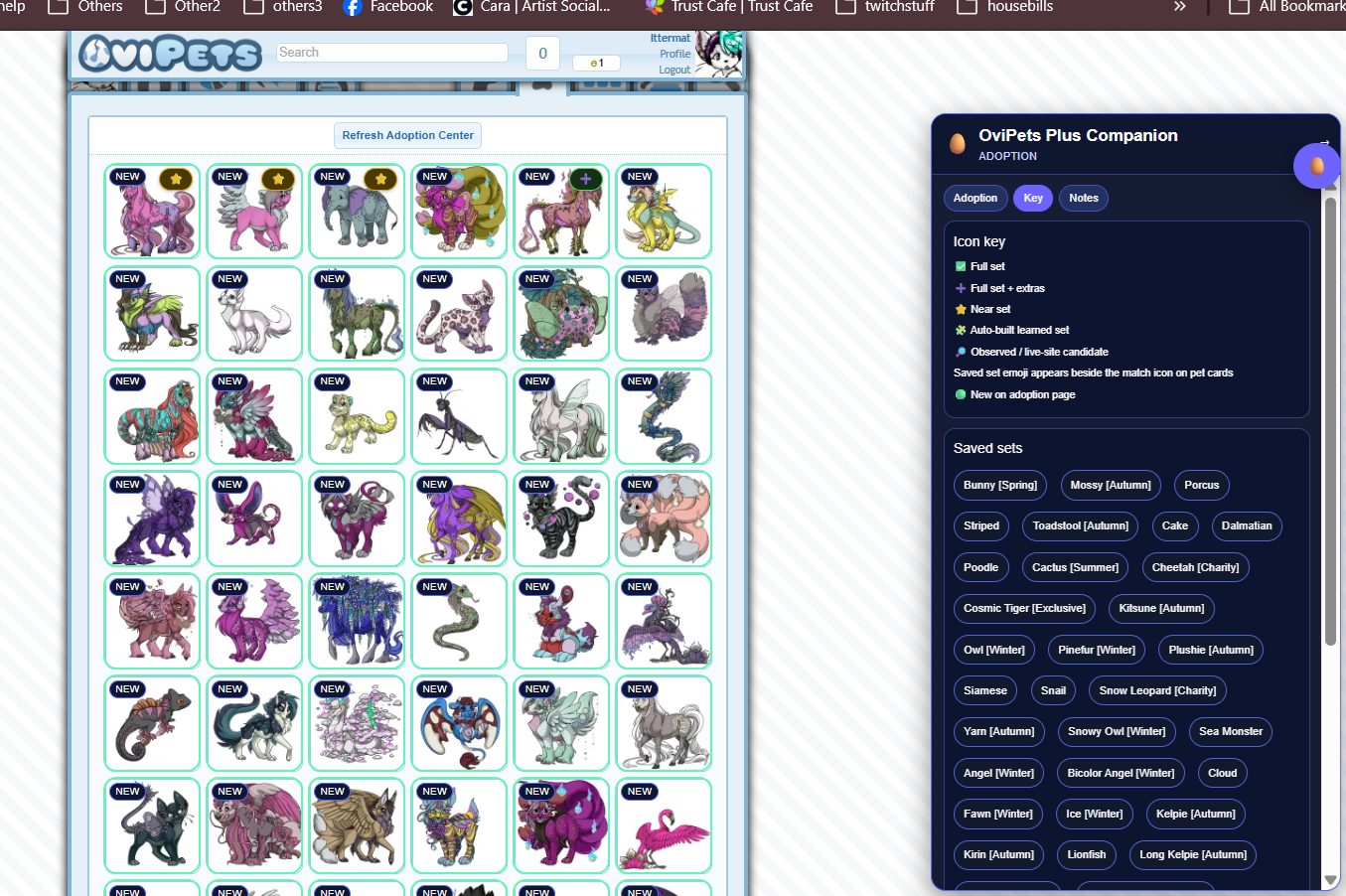
Ovipets- Ovipets plus companion
the companion of Ovipets- with lots of useful tools
🌌 General
active • v1.3.3 - updated 7-14-26
Install notes
HOW TO INSTALL
install instructions
Chrome / Brave / Edge — Quick How-To
Download chrome/edge/brave file
Put it somewhere safe
Unzip it to a folder (important: Chrome won’t load zipped)
and keep it in a spot you want it to be forever
Open: chrome://extensions
Turn on Developer mode (top right)
Click Load unpacked
Select the unzipped folder and okay
It is now in your extensions
Updating later: just replace the folder files (where you have them forever) + hit Reload on the extension page- and extension is now updated.
____
How to install in Firefox (quick)
Download the ZIP and extract it
Go to: about:debugging#/runtime/this-firefox
Click Load Temporary Add-on…
Select the extracted folder’s manifest.json
✅ It will run immediately.
NOTE:
If the app/extension is not appearing- try a hard refresh with ctrl and f5 at the same time it should appear then!
🐞 Report a problem